.jpg)
Menu Search
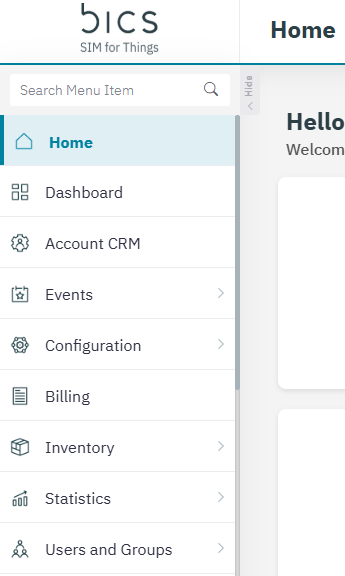
At the very top of the menu, you’ll find a dedicated search box labeled “Search Menu Items”. This search functionality is designed to help you quickly locate specific items within the menu, saving you time and improving navigation efficiency.
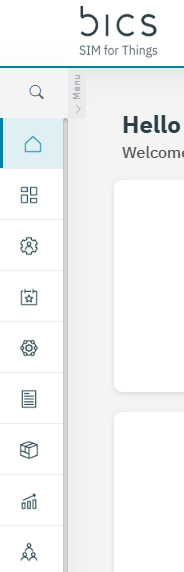
The search box remains accessible regardless of whether the menu is expanded or collapsed, ensuring a consistent user experience. By typing the name or keyword of the menu item you’re looking for, the menu will dynamically filter and display matching results as you type. This feature is especially useful for when you work with extensive menus or are unfamiliar with the menu structure, allowing for faster access to the tools and sections you need.