.jpg)
Recover Password
Using this option, you can reset your account password. A random password is sent to the registered mail ID. Using the random password, you can log in to the GUI and change the preferred password.
-
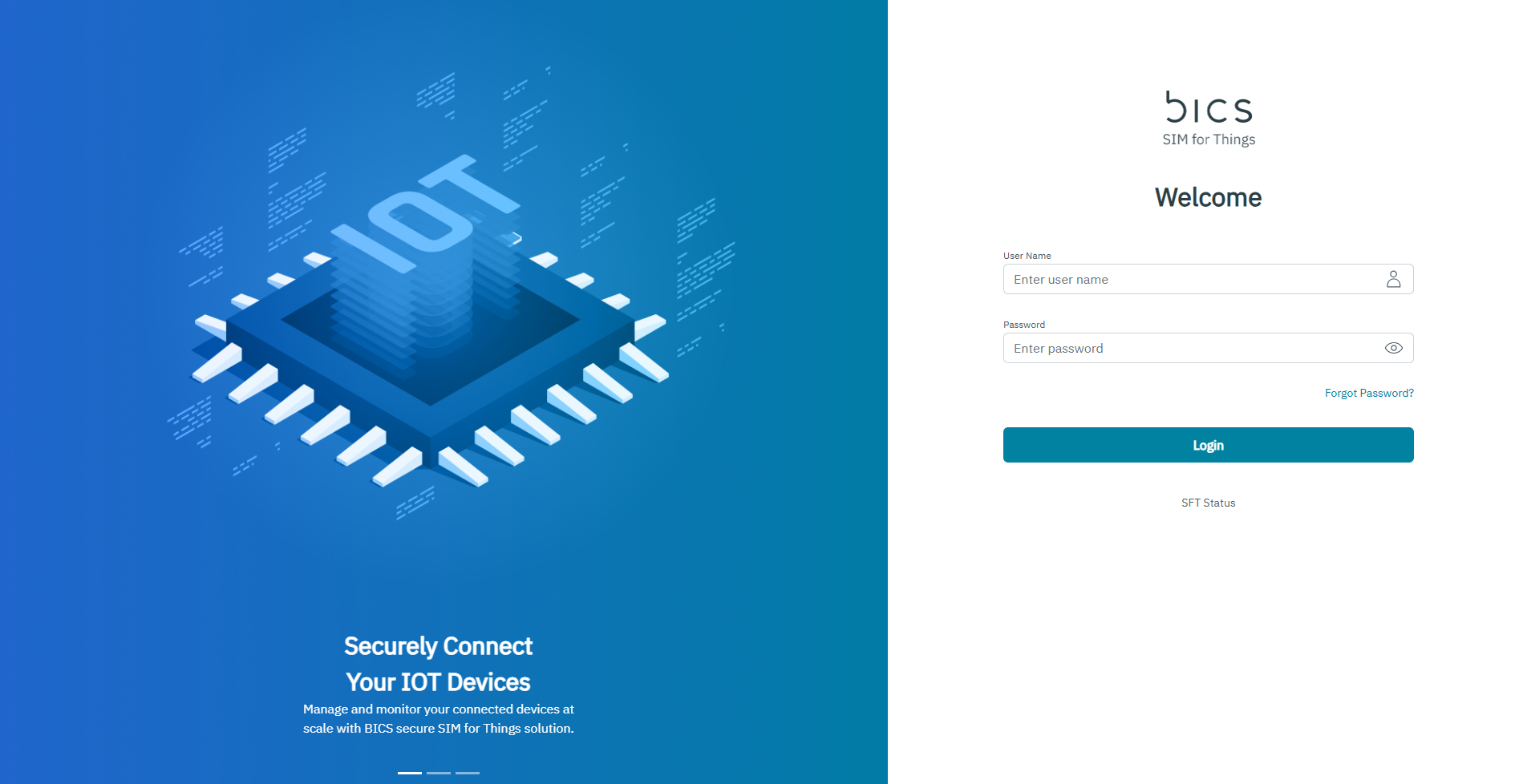
On the login page, click Forgot Password. Refer to the following screen.
-
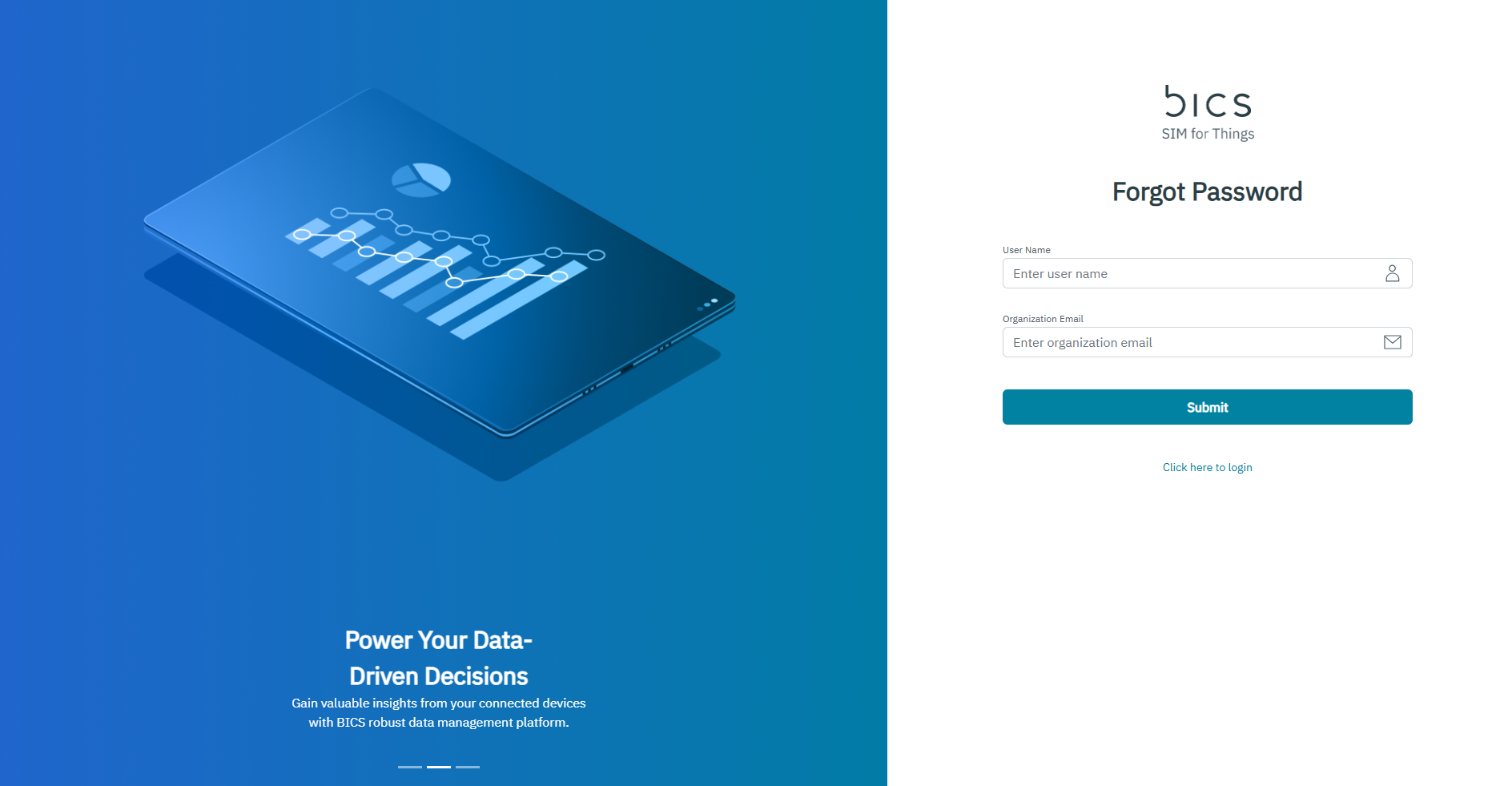
After clicking Forgot Password, the following screen is displayed.
-
Enter your User Name in the corresponding field.
-
Enter your Organization Email in the corresponding field.
-
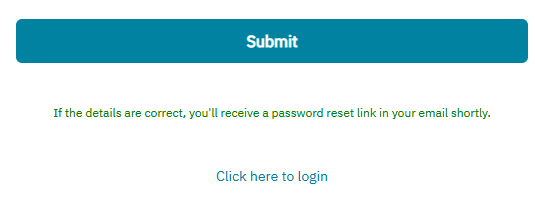
Click Submit. A message is displayed, indicating you will receive a password reset link via mail if the User Name and Organization Email were correct.
-
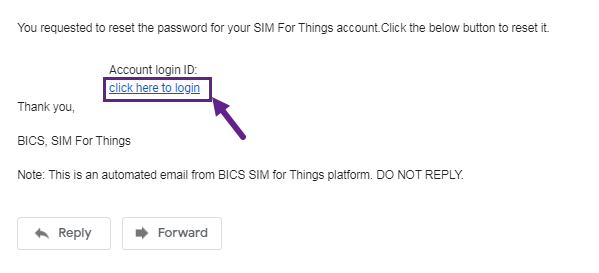
An email is sent to the registered email of the user with a link to set the password. Refer to the following screen.
-
After clicking the link, the following screen is displayed.
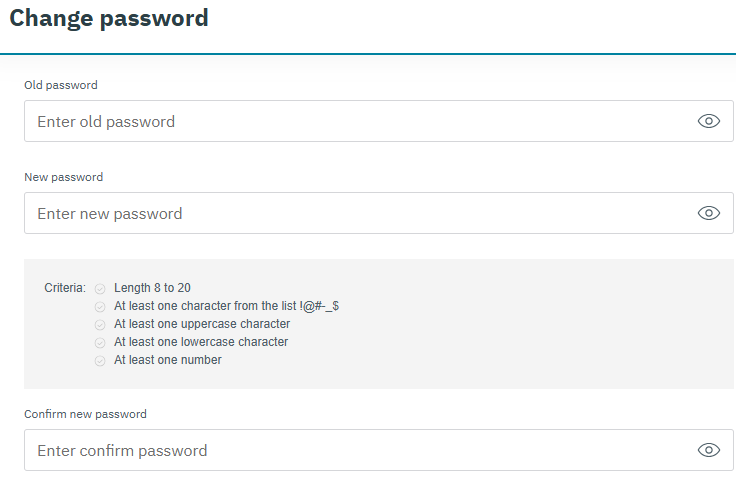
-
Enter Old Password in the corresponding field.
-
Enter New Password in the corresponding field.
-
Re-enter the New Password in Confirm New Password field.
-
Click Submit to save the new password.
The new password should satisfy the following criteria,
-
Password Length should be between 8 to 20 characters
-
Password should contain at least one of the following characters "!@#_.$".
-
Password should contain at least one upper case character
-
Password should contain at least one lower case character
-
Password should contain at least one numerical character
Note: A sample password is provided as reference "hac69#BB".
-
-
A confirmation message “are you sure you want to continue” is displayed.
-
Click yes to update the password.
-
Click no to discard the password change.
-