.jpg)
Choose table columns
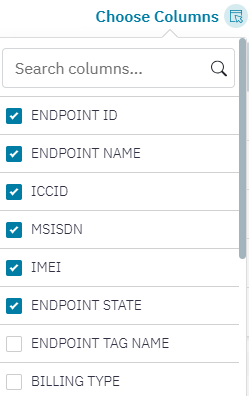
On most pages there is a Choose Columns option. After clicking the Choose Columns button, the a list of selected and un-selected column options are displayed. The columns depend on the type of table you are in. You can choose which columns you want to have in your view.
Note that the selection that you make on the Choose Columns is not saved!