.jpg)
Dashboard
The dashboard page has different widgets for Reseller and Enterprise accounts.
For Enterprise accounts
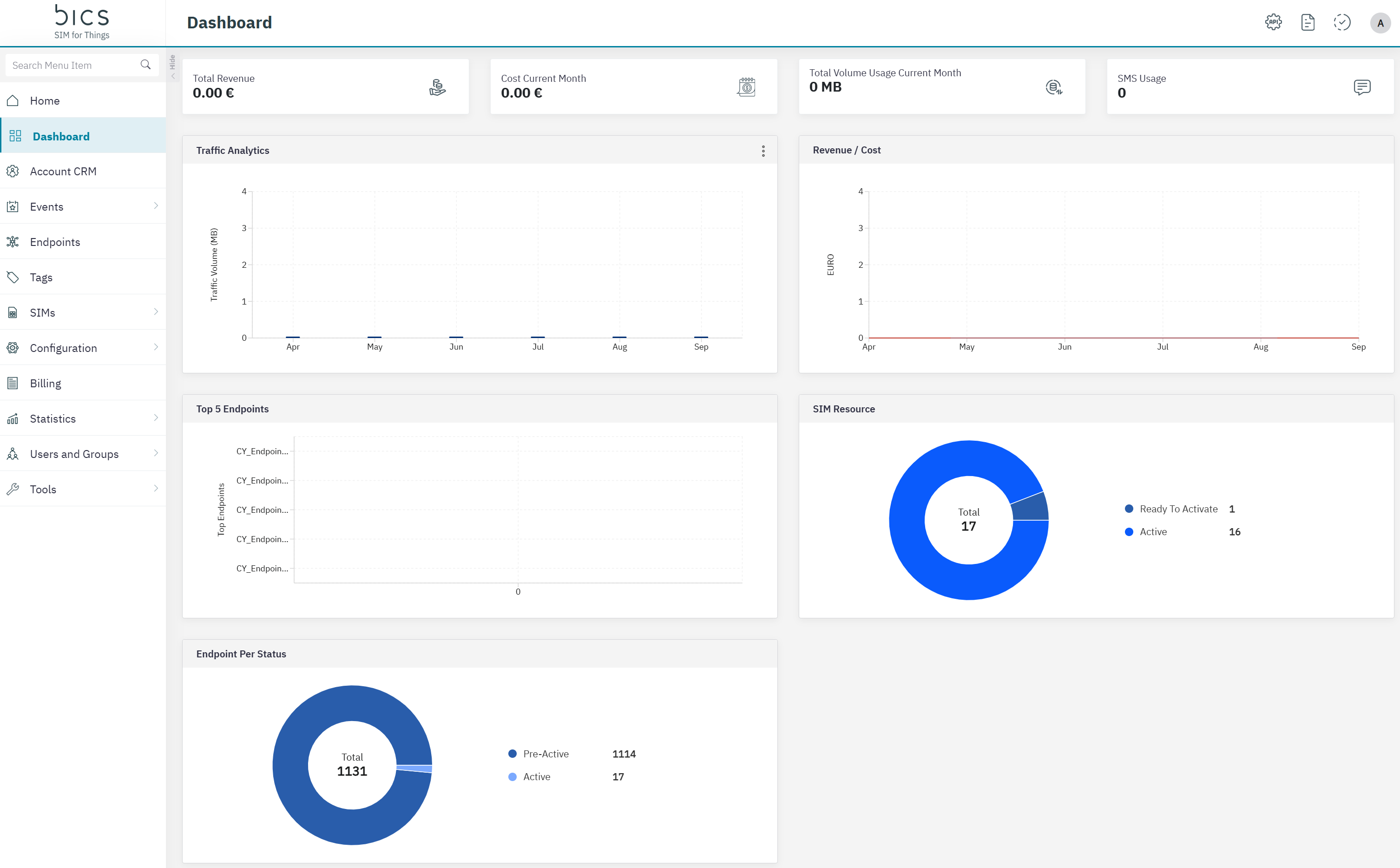
Top widgets
-
Total Revenue : Indicates the total revenue generated by the enterprise for the current month.
-
Total Cost: Indicates the total charges for the current month based on the usage and other charges.
-
Total Volume Usage: Indicates the current month data usage of the Enterprise. This includes the data consumed for both uplink and downlink.
-
SMS Usage: Indicates the total SMS count for the current month.
Graphical widgets
-
Traffic Analytics: Indicates the data usage per month of the Enterprise for the last 6 months. This includes the data consumed for both uplink and downlink. On the widget there are 3 dots where you can switch between Data and SMS.
-
Revenue/Cost: Indicates the revenue and cost per month generated for the last 6 months.
-
Top 5 Endpoints: Based on the current month usage and charges, the top 5 endpoints under the enterprise are displayed.
-
SIM Resource: Indicates the current count of SIMs active, suspended and ready to activate SIMs.
-
Endpoint Per Status: Indicates the current count of Endpoints and if they are active, suspended and pre-active endpoints.
For Reseller accounts
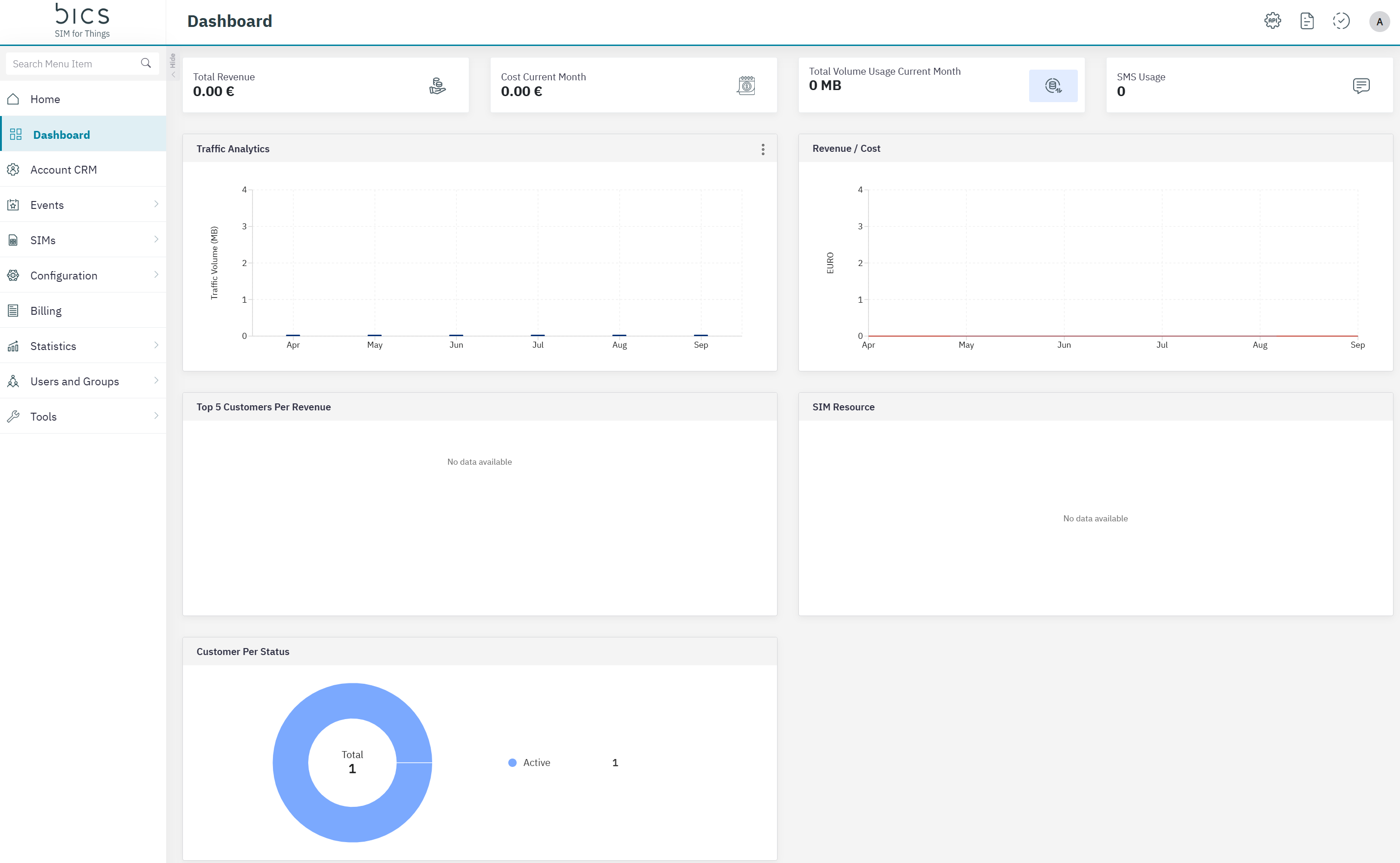
Top widgets
-
Total Revenue : Indicates the total revenue generated by the enterprise for the current month.
-
Total Cost: Indicates the total charges for the current month based on the usage and other charges.
-
Total Volume Usage: Indicates the current month data usage of the Enterprise. This includes the data consumed for both uplink and downlink.
-
SMS Usage: Indicates the total SMS count for the current month.
Graphical widgets
-
Traffic Analytics: Indicates the data usage per month of the Enterprise for the last 6 months. This includes the data consumed for both uplink and downlink. On the widget there are 3 dots where you can switch between Data and SMS.
-
Revenue/Cost: Indicates the revenue and cost per month generated for the last 6 months.
-
Top 5 Customers: Based on the current month usage and charges, the top 5 customers are displayed.
-
SIM Resource: Indicates the current count of SIMs active, suspended and ready to activate SIMs.
-
Customer Per Status: Indicates the current count of Customers and if they are pre-active or active.