.jpg)
Home
The “Home” menu is the landing page after you login into SIM for Things. The dashboard is still available directly from the Home menu or on the top menu bar.
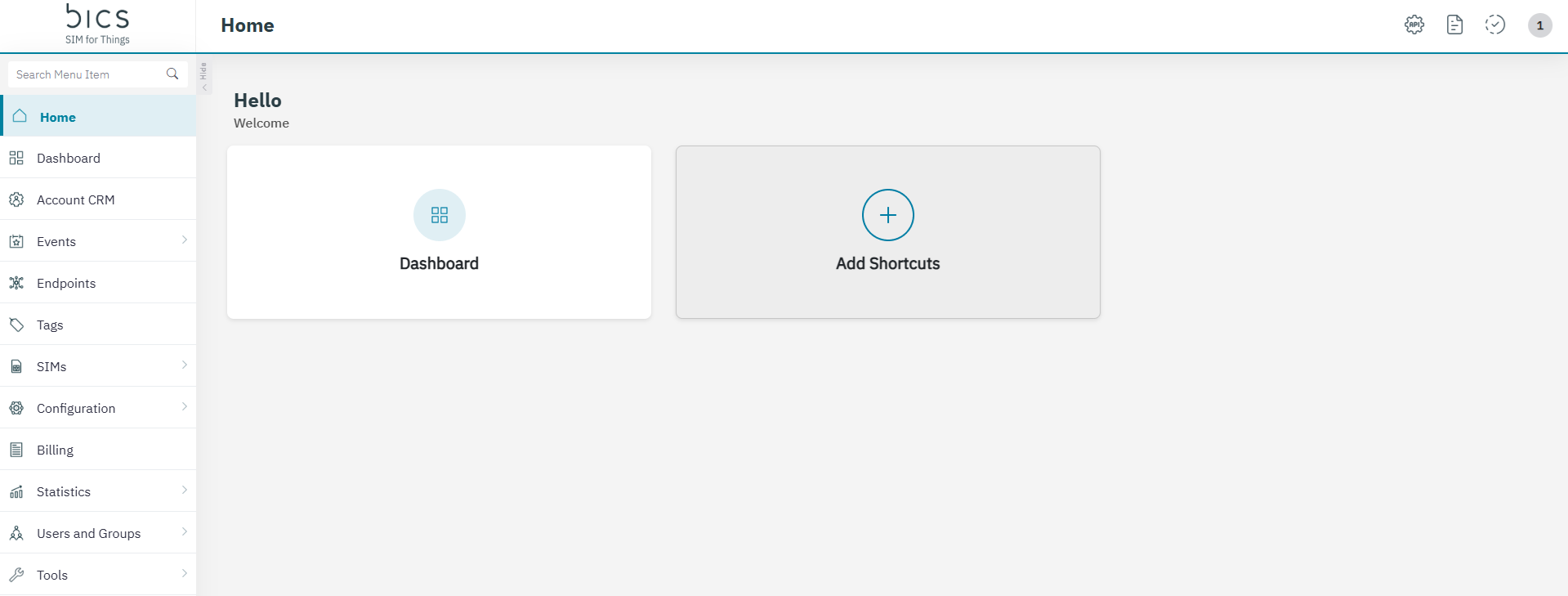
Add Shortcuts
All menu items can be added on the home page as a shortcut.
-
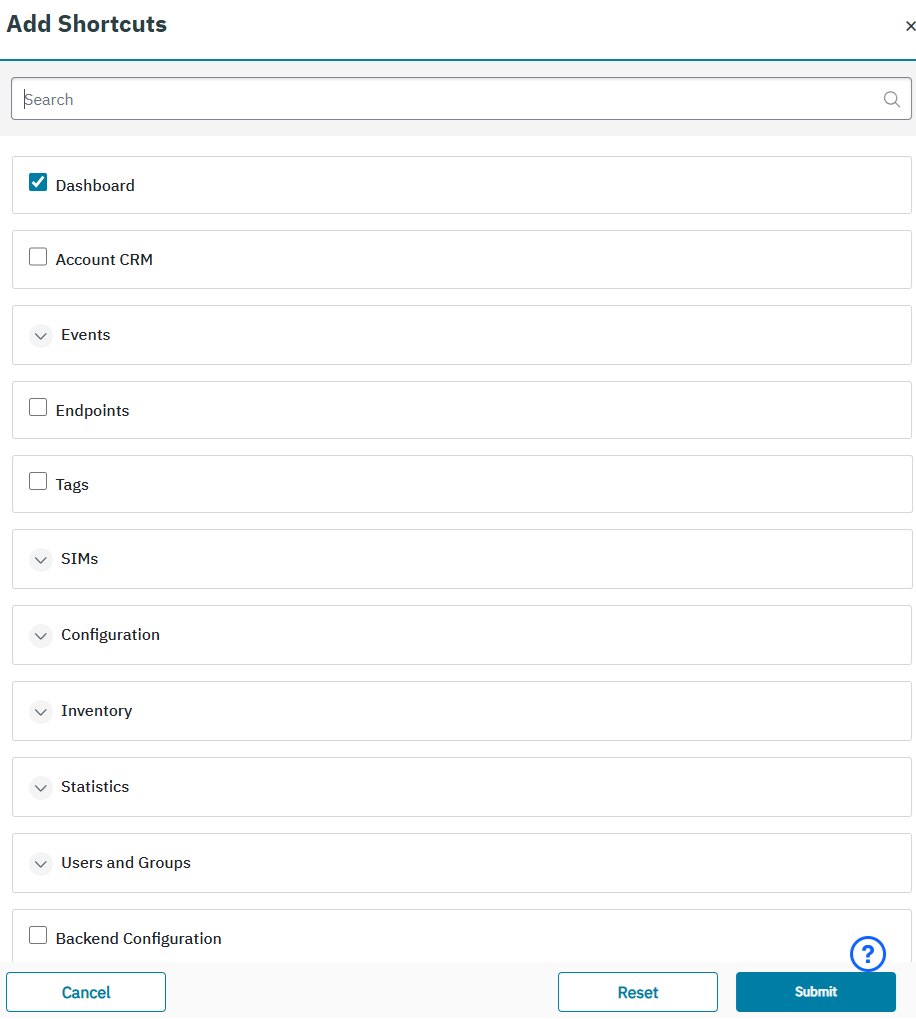
Click on Add Shortcuts to select the menu item that you want to add. There is a search option on top to find the menu you want to add.
-
Click Submit and the message “Modifying these shortcuts will be applied to the entire account and affect all users” Are you sure you want to continue?” will be shown.
-
Click on Submit to confirm the modification.
-
Click on Reset to undo the selection that you did.
-
Click Cancel to close the Add Shortcuts screen.
-
-
The Shortcuts are set per account. If one user on the account changes a shortcut then it will be changed for all users on that account!
-
Maximum 5 Shortcuts can be set.