.jpg)
File Transfer
The File Transfer menu shows the exchange of SIM-related data files between BICS and customers or SIM vendors. It supports both input and output file workflows for SIM provisioning, configuration, and inventory updates.
-
Click on the File Transfer that is under the SIMs menu.
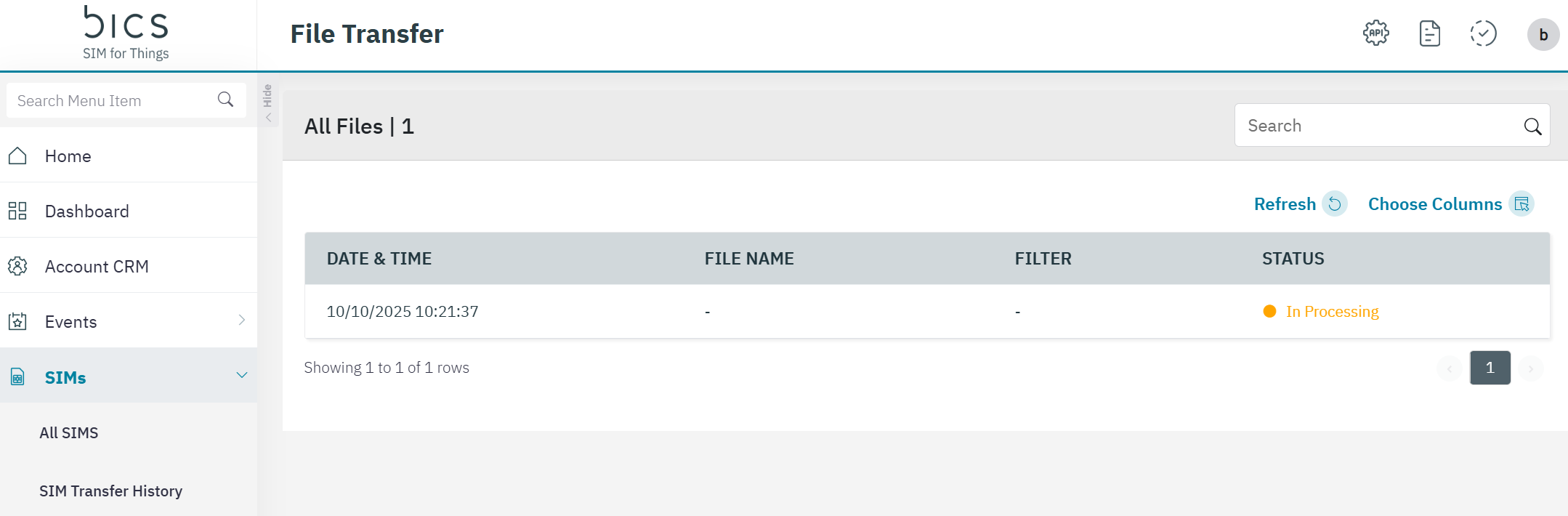
The following Field details are displayed on the screen.
|
Field |
Description |
|---|---|
|
DATE & TIME |
timestamp when File generation is triggered |
|
FILE NAME |
file name in the format: <accountId>_QRCODE_<timestamp>_.zip |
|
FILTER |
that was selected while triggering File generation.
|
|
STATUS |
STATUS of the File generation
|