.jpg)
-
Click Download QR code. Refer to the following screen.
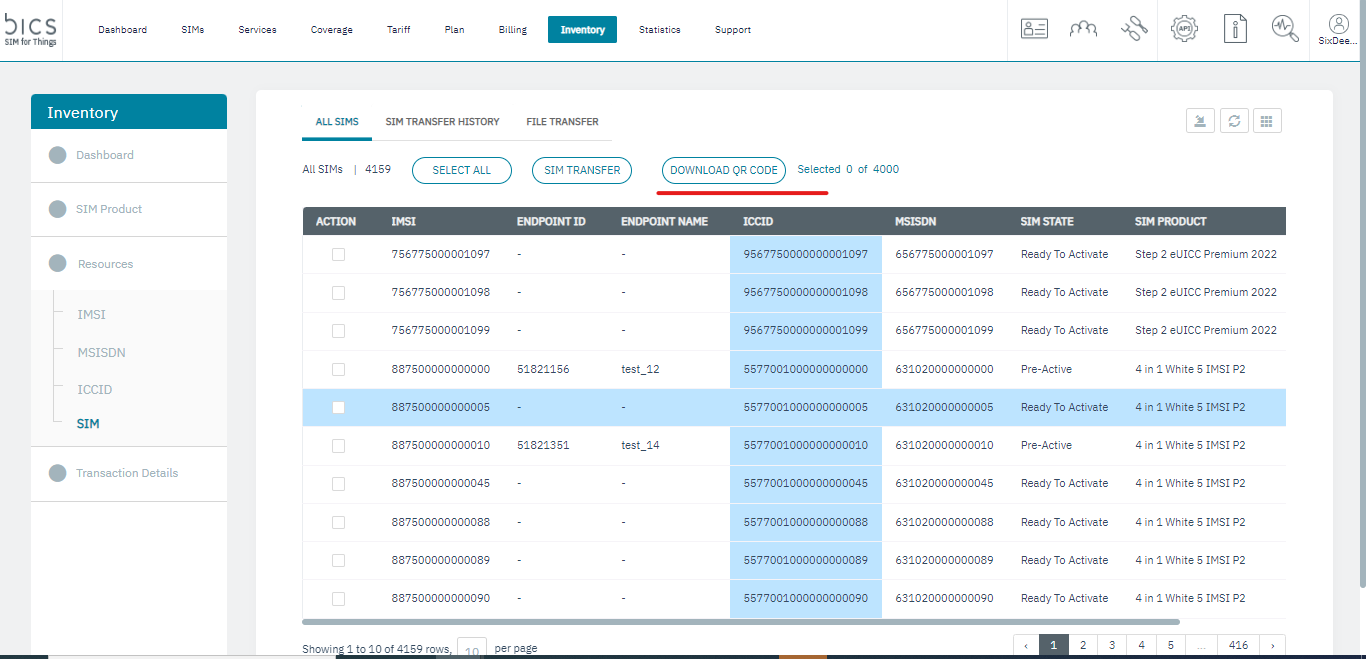
Figure 5.3 Download QR code -
Single sim download QR code:
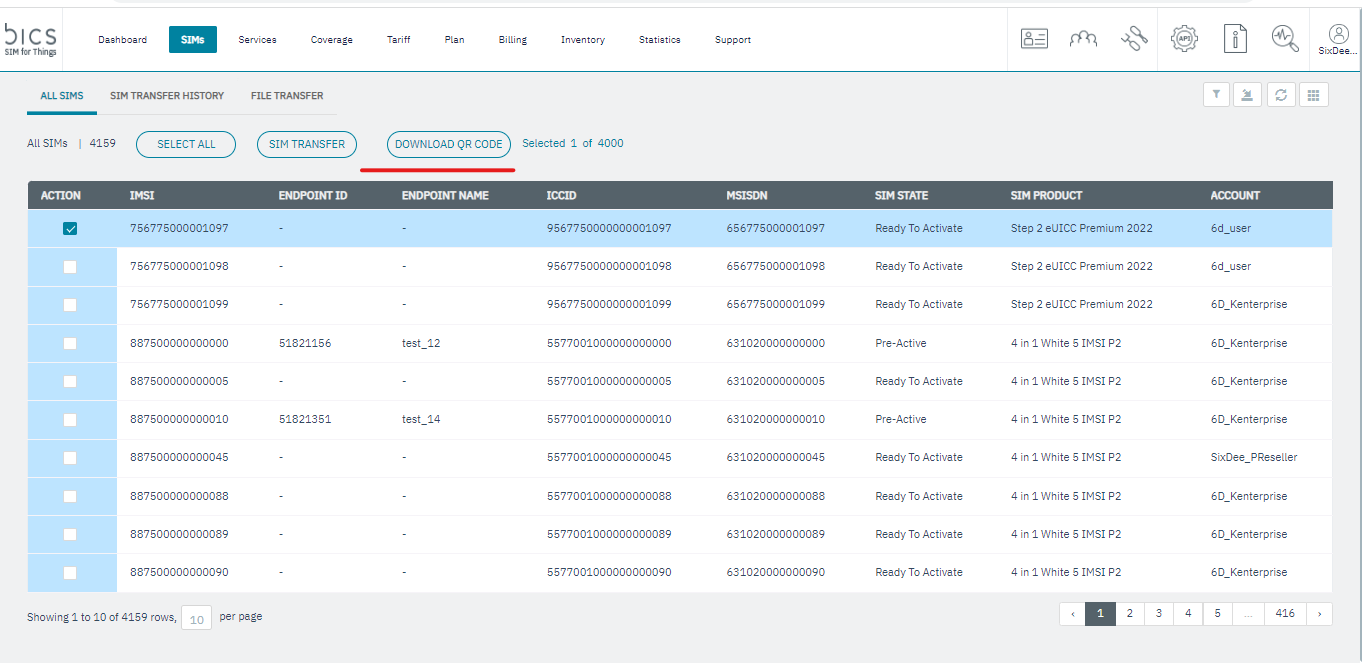
Figure 5.4 Single sim Download QR code -
single sim download QR code with jpeg.
-
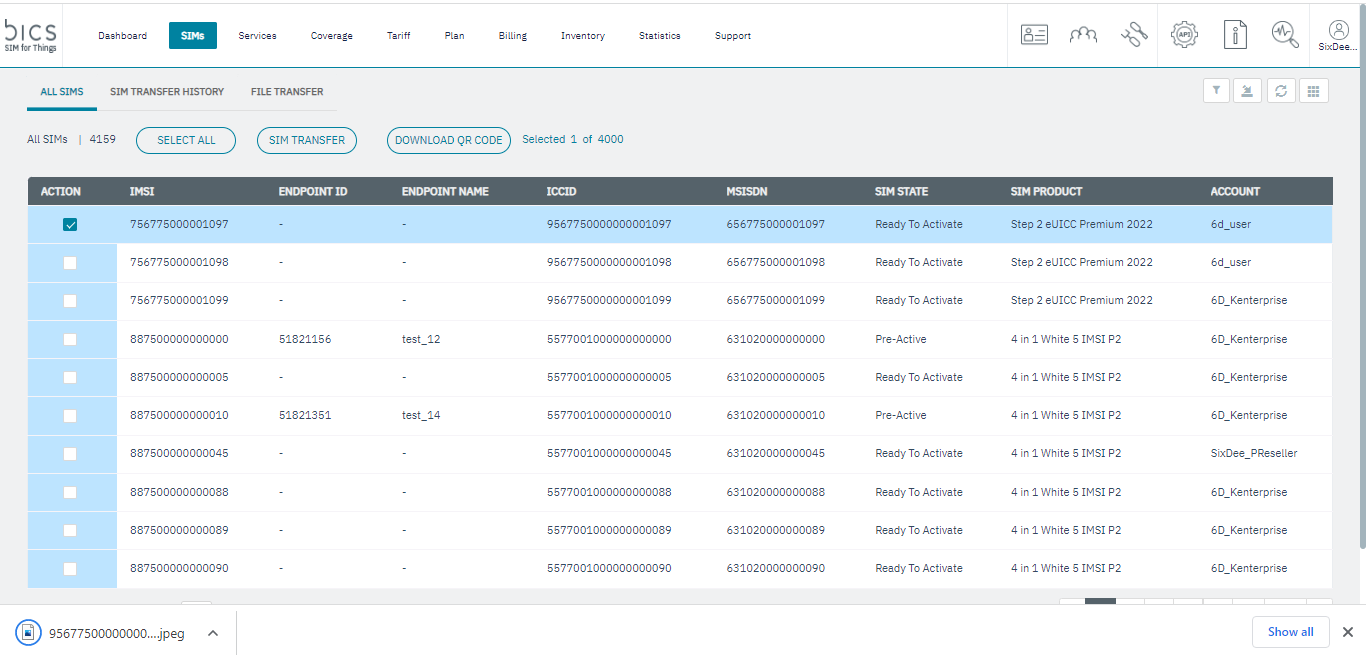
Figure 5.5 single sim download QR code with jpeg.
-
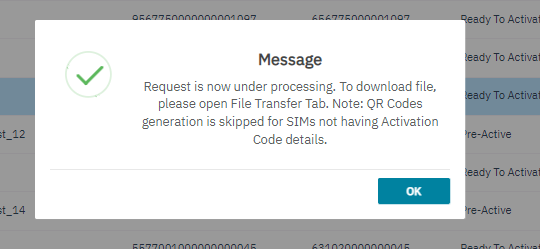
bulk download QR code:
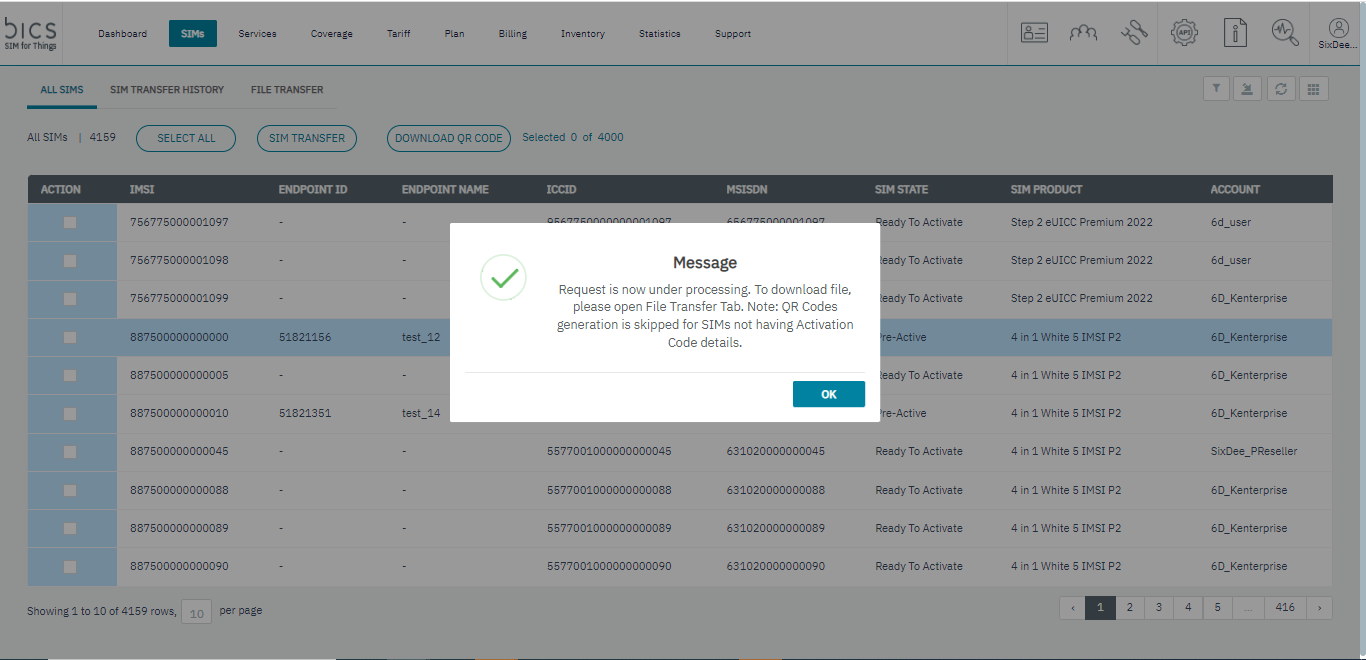
Figure 5.6 bulk download QR code -
download zip file from file transfer
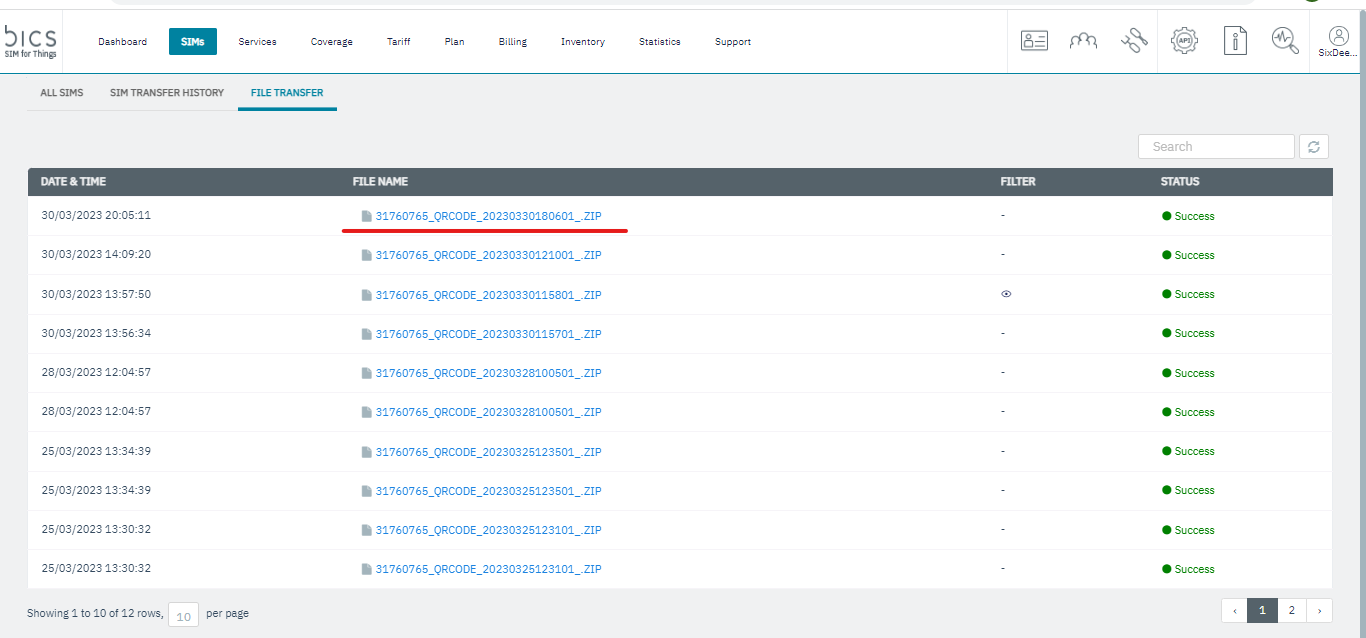
Figure 5.7 download zip file from file transfer
-
Using filer we can see the sim product.
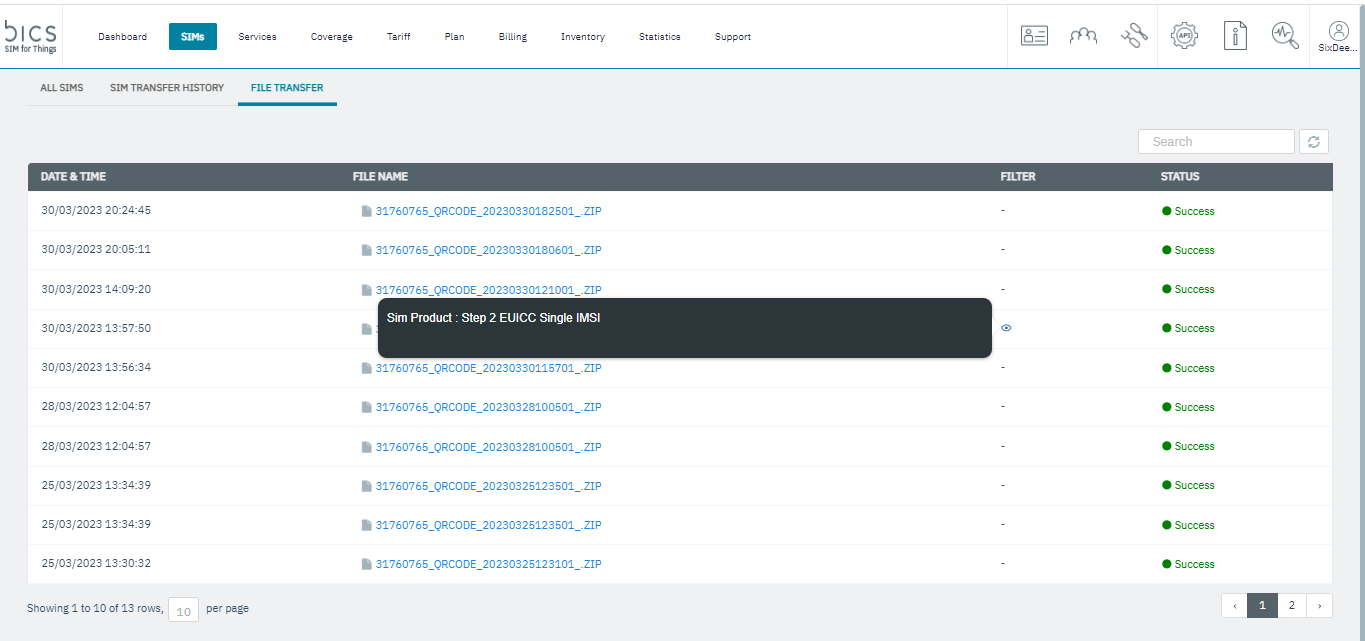
Figure5.7 Filter -
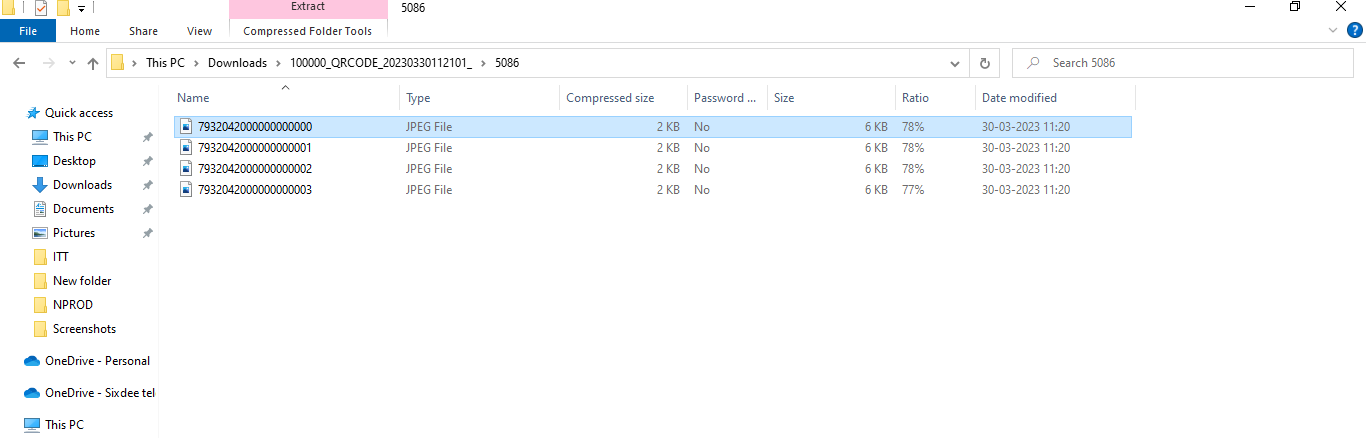
Unzip the zip file that contain QR code for all downloaded sims.
note: Explanation about error codes for Download QR code-
-
if 1 SIM is selected but it is not of a SIM Product with PROFILE RESERVATION METHOD= 'Pre-Reserved with QR Code and Activation Code'.
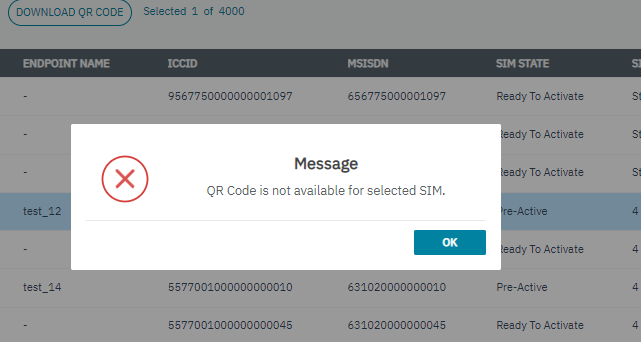
Figure 1 QR Code is not available for selected SIM. -
if no SIM is selected.
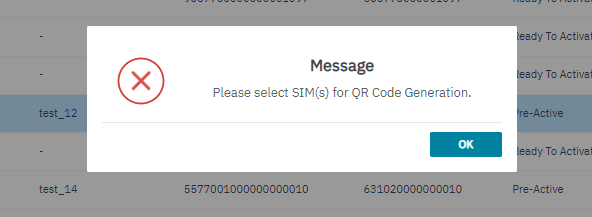
Figure 2 Please select SIM(s) for QR Code Generation.
-
if more than 1 SIM is selected, then message should appear with “Request is now under processing