.jpg)
Modify User Details
-
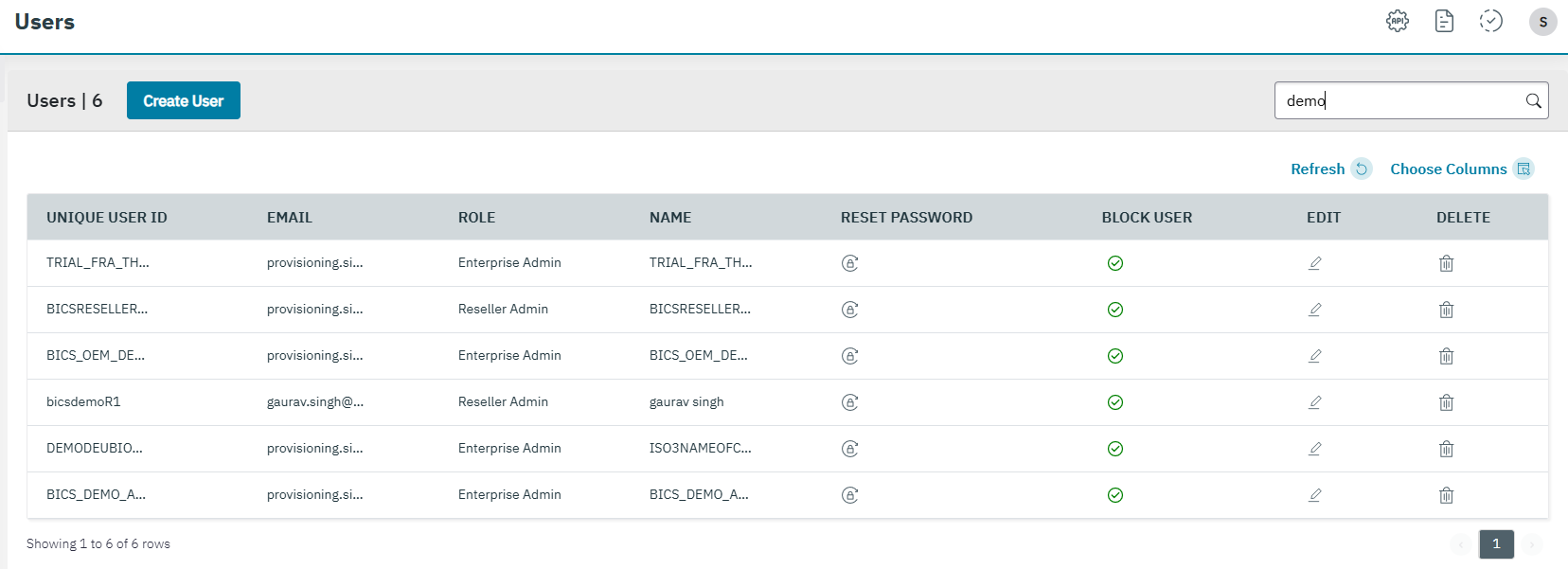
On the User management screen, click the “pencil icon” to edit the user details.
-
After clicking the button, the Modify User screen is displayed.
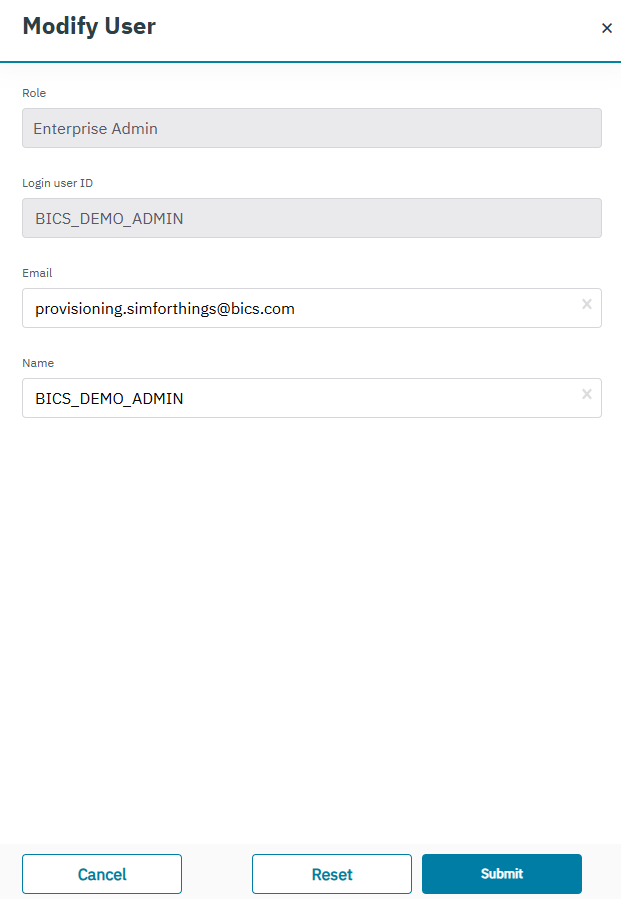
You can modify the following fields on the Modify User screen.
-
Email
-
Name
You cannot modify the “Role” and “Login user ID” of the default user.
-
Click Submit to save the changes. A confirmation message is displayed indicating user detail is modified successfully.