.jpg)
Delete Endpoint
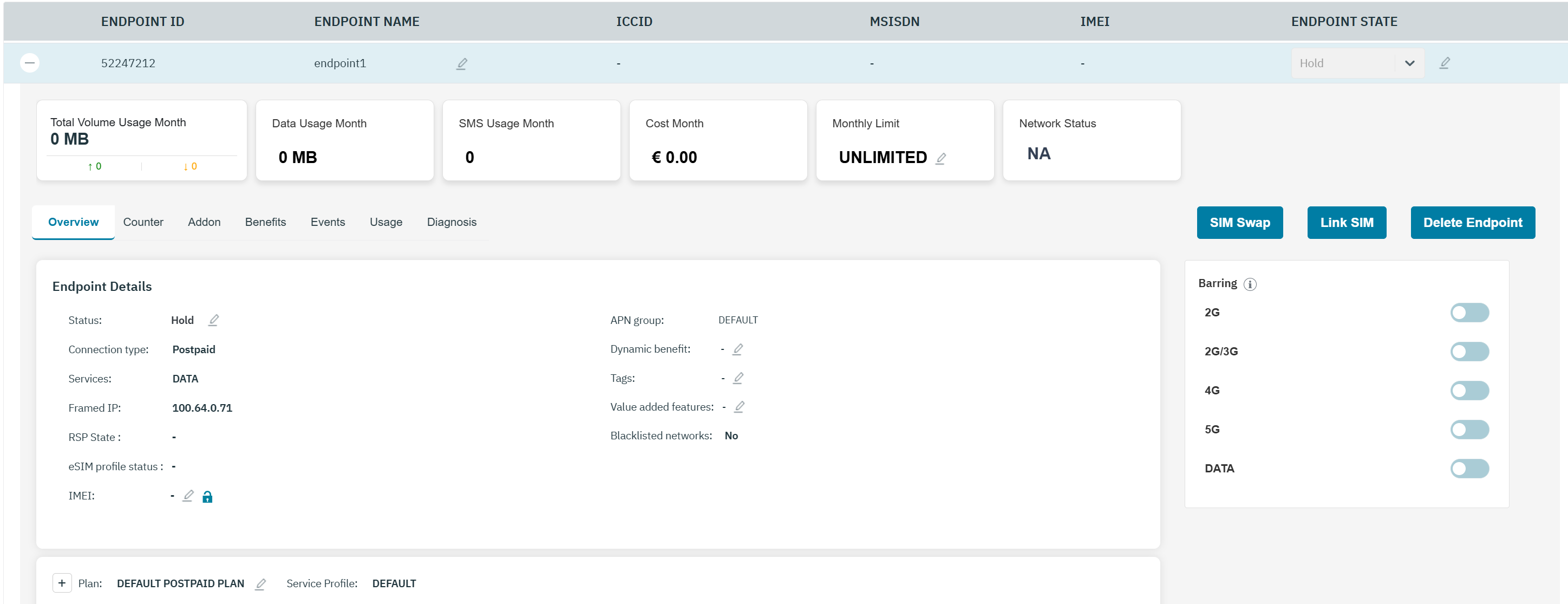
In order to delete an endpoint, the SIM must be delinked first.
The Endpoint status will be Pre-active or Hold when no SIM is linked to it.
-
On the endpoint screen, click on the Delete Endpoint button.
-
The alert message is “The changes you are about to perform are not reversible and you will lose the Endpoint <endpoint-name> permanently.
Are you sure want to Delete Endpoint <endpoint-name>?” -
A confirmation message is displayed indicating the Endpoint Deleted is successful.
-
Deleted endpoints will not be displayed in the Endpoint list anymore.