.jpg)
Modify Endpoint APN Group
-
On the endpoint screen, click the pencil icon to change the APN group.
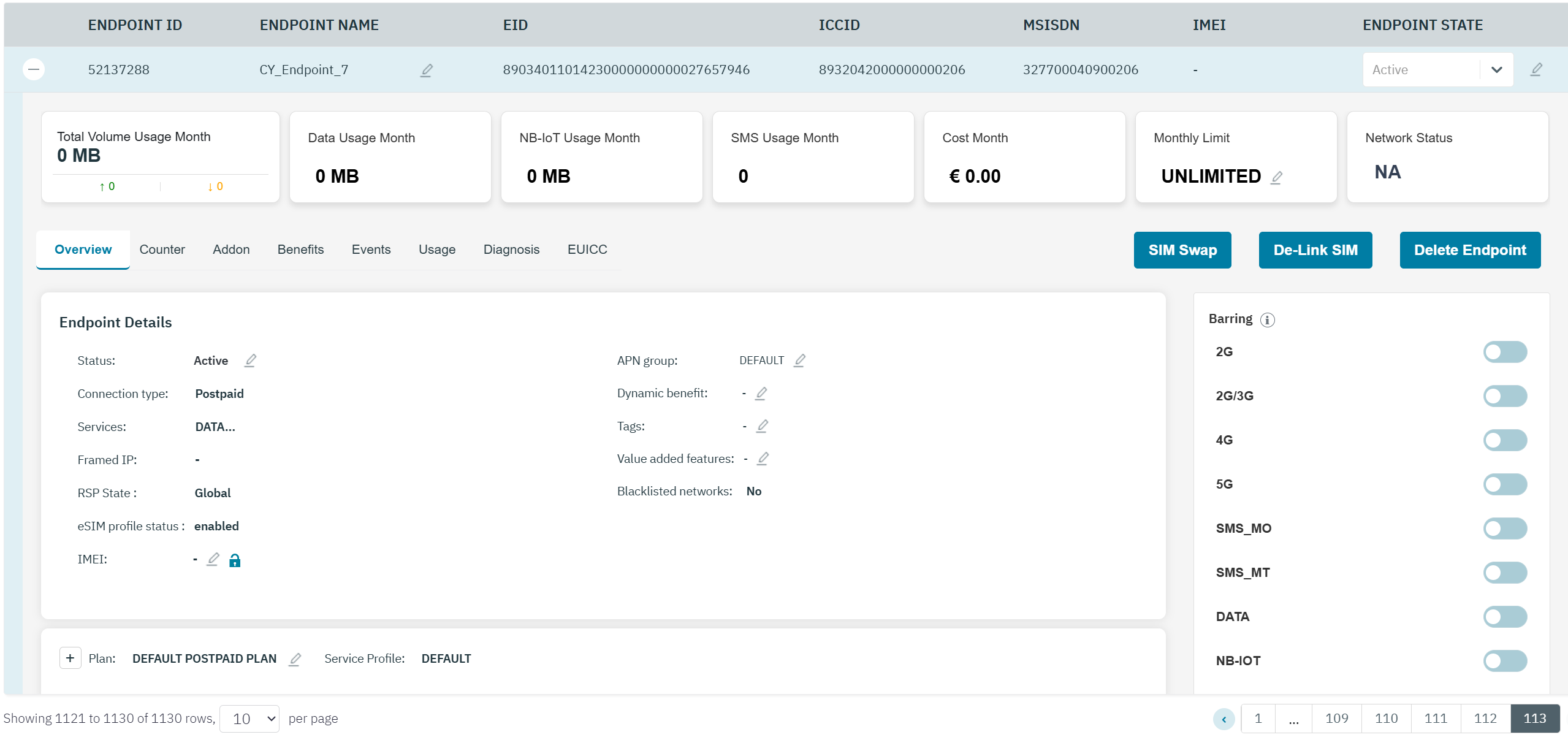
-
After clicking the button, the following screen is displayed.

-
Select the required APN group in the drop-down list.
-
If you receive "Alert Are you sure you want to continue.?" message, click the “check” icon to confirm the action or click the “X” icon to discard the action.
-
After clicking the “check” icon , a confirmation message is displayed indicating endpoint/customer detail is updated successfully.